Getting Started Guide | Automation Scheduler
Automation Scheduler: Scheduled Bulk Automation for monday.com
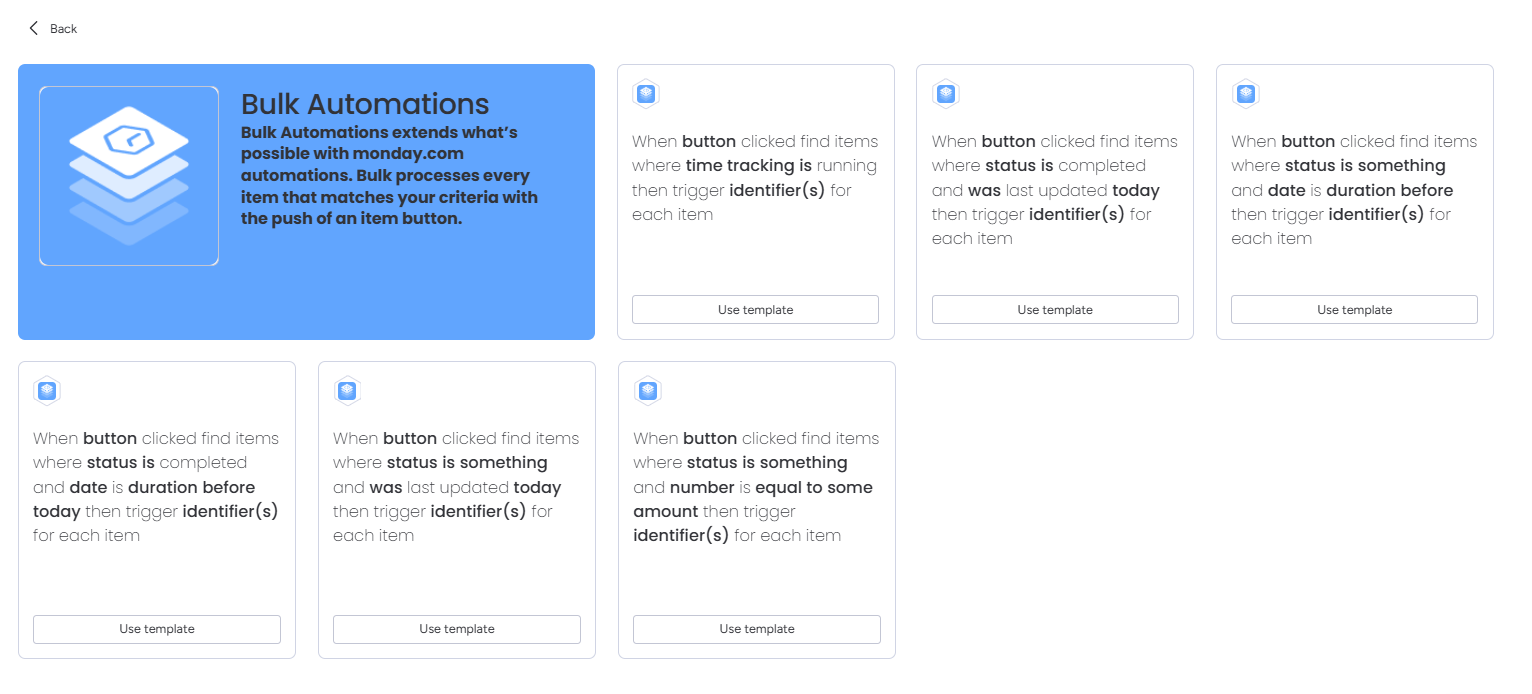
Automation Scheduler extends monday.com's native automations with time-based bulk processing, enabling you to run automation sequences across multiple items simultaneously on a schedule.
How It Works
Two-Part Recipe System:
- Action Sequences: Create reusable, named automation sequences using monday.com's standard automation actions: notifications, status changes, item moves, plus any third-party app actions.
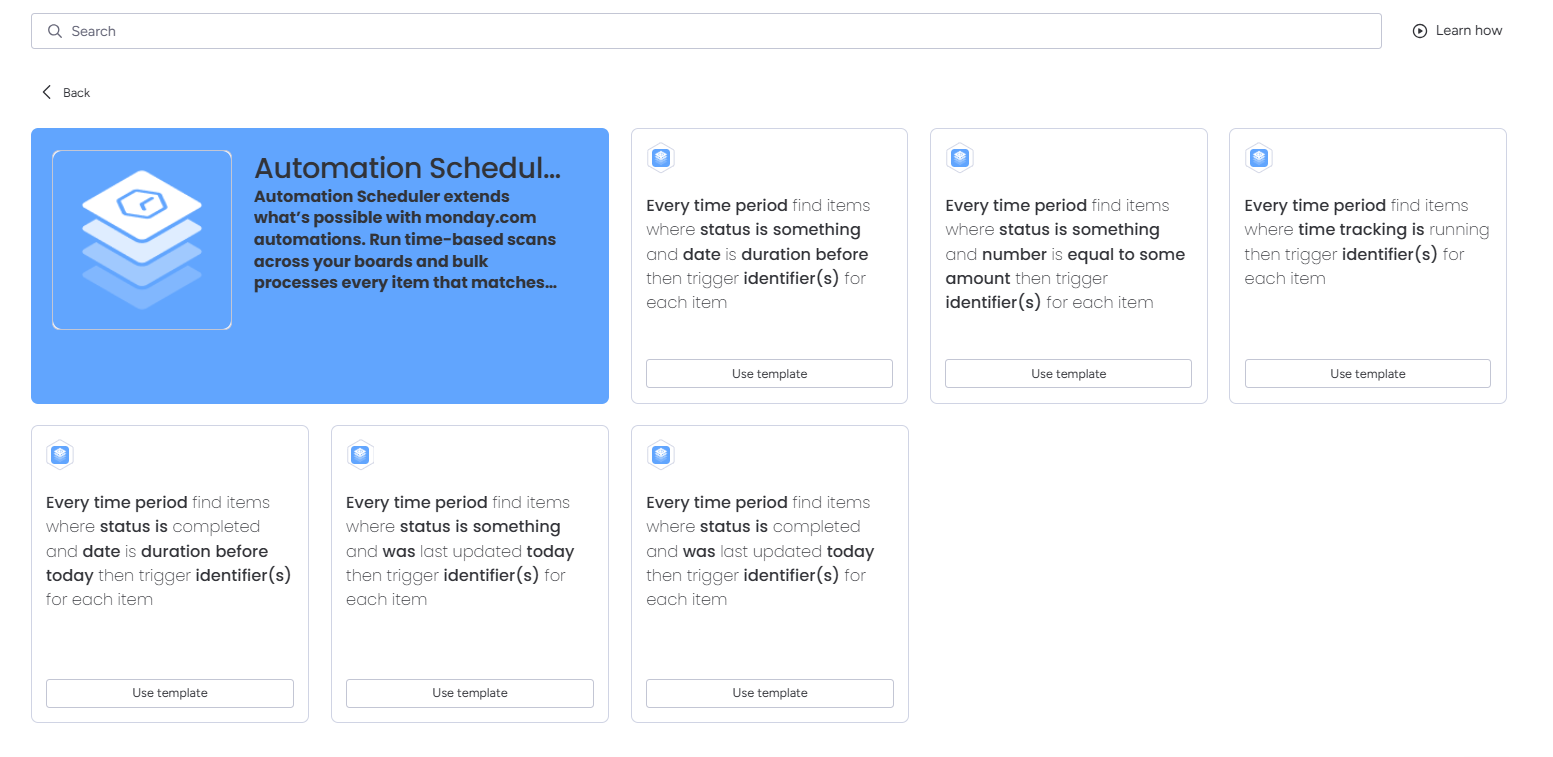
- Filter Recipes: Choose from pre-built templates that scan your board periodically and execute your Action Sequences on matching items.
📥 Installing the App
- Go to Apps (App Marketplace) in your monday.com sidebar.
- Search for Automation Scheduler and click Install.
- Choose your board and grant permissions.
🛠️ Setting Up Your First Automation
- Navigate to your board and click "Automation" at the top.
- Search "Automation Scheduler" to create your action.
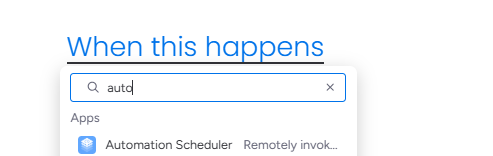
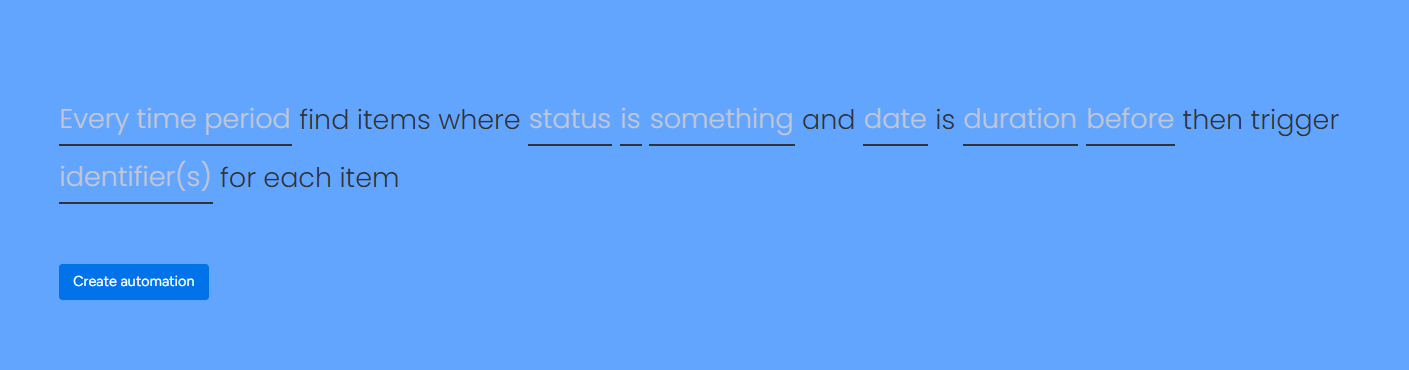
- Set your "Identifier(s)" and click "Create Automation".
- Click "Integrate" and search "Automation Scheduler" again for the trigger.
- Choose your integration and match the "Identifier(s)" from Step 3.
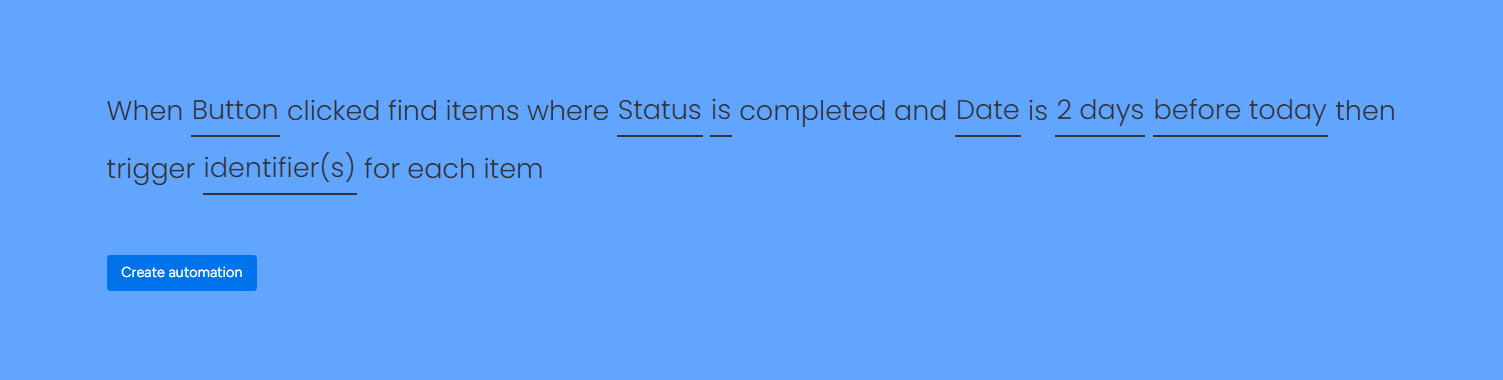
That's all! Watch the automation do its work!
TAP ANYWHERE TO CLOSE